
POP717 Login - Log in to Your POP717 Account
Already registered? Login to POP717 with your phone number and password in seconds. This page explains the POP717 login screenshot, remember password, forgot password and retrieve login ID options.
POP717 Login Screenshot Explanation
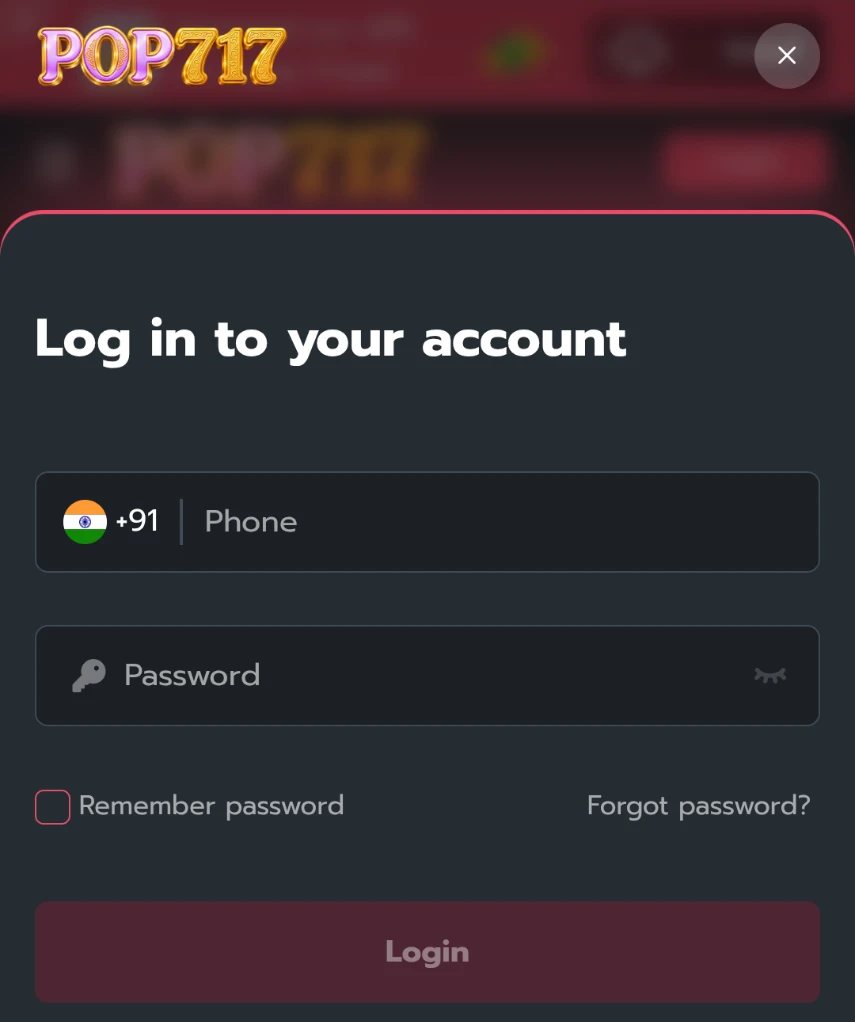
Explanation
Phone field with India flag +91 - Enter the same mobile number you used during registration. Country code auto-selects based on region, you can change it if needed.
Password field with key icon - Enter your POP717 password (8-15 letters and numbers set at registration). Eye icon shows/hides password.
Remember password (checkbox) - Tick this on your personal phone so you do not need to type password every time. Do NOT tick on shared/public devices.
Forgot password? - Tap this if you forgot password. You can reset with phone verification code, with or without Login ID via Self Service Center.
Login (maroon/pink button) - Tap after filling phone + password. If details are correct, you go to POP717 home page with your balance, VIP and bonus visible.
How to Login Step by Step
- Open POP717 - Open app or website, tap Login button on top right / side menu.
- Enter phone number - With correct country code (+91 for India).
- Enter password - Same password as registration.
- Tap Login - Wait 2-3 seconds, homepage loads.
- Check balance - Go to Me section to see balance, VIP level, bonus and withdraw options.
Forgot Password / Retrieve Login ID
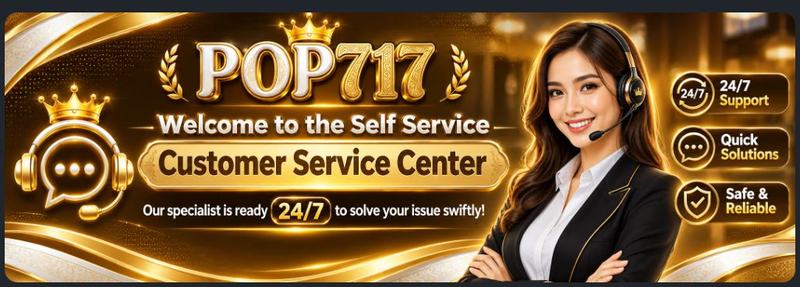
Explanation
If login fails, open Self Service Center (24/7 Support, Quick Solutions, Safe & Reliable). Options: FAQ, Retrieve Login ID Account, Reset Password (without ID), Reset Password (with ID), Game Problems. After submitting a request, tap Progress Query to see review result. See full guide on Support page.
Login Problems & Solutions
| Problem | Solution |
|---|---|
| Wrong password | Check caps lock, use Forgot Password to reset via OTP. |
| Phone number not found | You may have registered with different country code or number. Use Retrieve Login ID. |
| Login button grey / not clickable | Fill both phone and password fully, check internet. |
| Account locked | Contact 24/7 customer service via Self Service Center with your phone number and screenshot. |
POP717 Login FAQ
Can I login on multiple devices?
For security, POP717 may log out other devices when you login on a new device. Use only your own devices.
How to change POP717 password after login?
Go to Me → Settings / Security → Change Password, enter old password and new password.